Pick a video or audio file
Choose a clip through Android’s photo or file picker, or share a file to Noise Remover from another app. Your original stays as it is.
 Noise RemoverFor Android phones & tablets
Live on Google Play
Reduce wind, traffic, fans and background chatter in your videos and voice recordings. Clean the sound entirely on your device, while keeping the picture untouched.
Unlimited previews. Two free saves a day. No watermark or length limit.
Unlock unlimited saves with a one-time Pro purchase.
01 / How it works
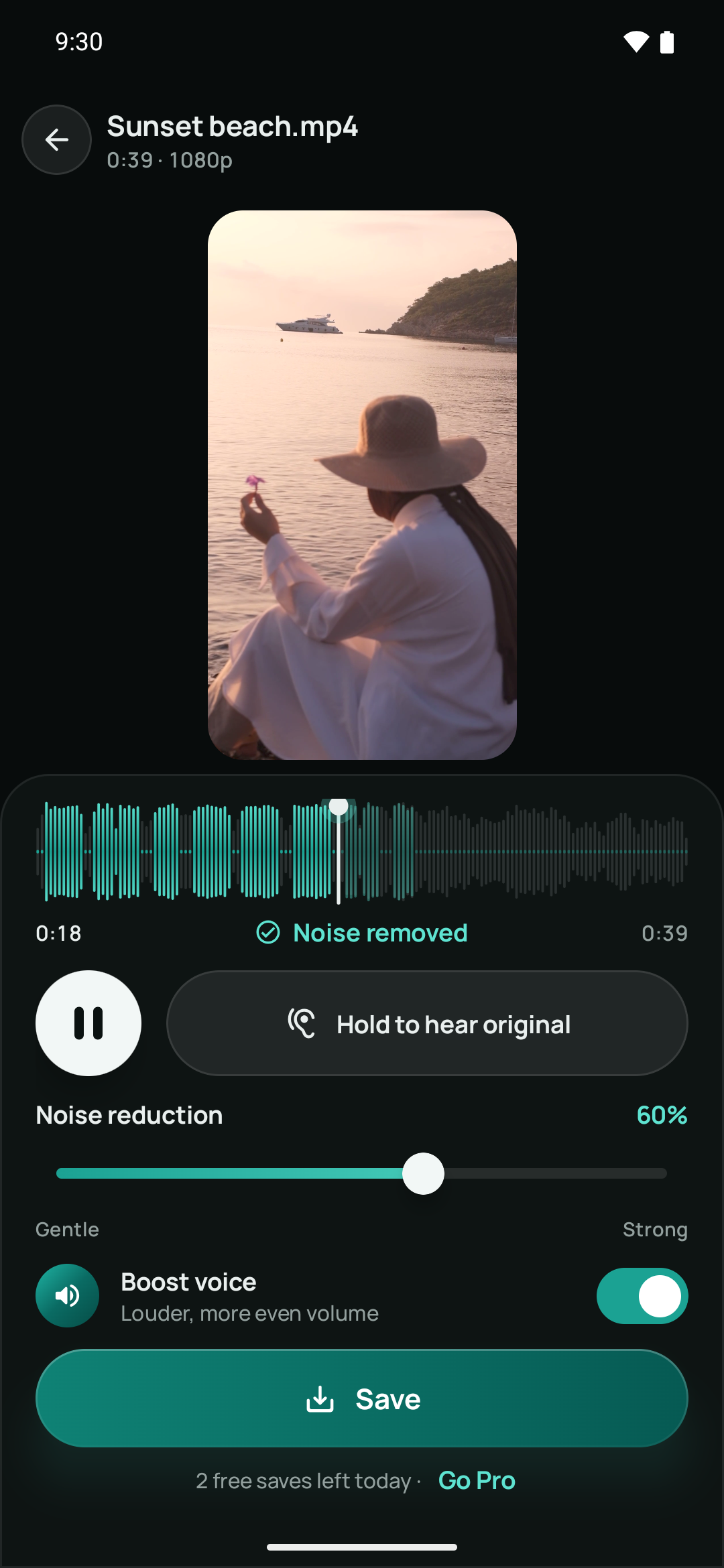
Choose a clip through Android’s photo or file picker, or share a file to Noise Remover from another app. Your original stays as it is.
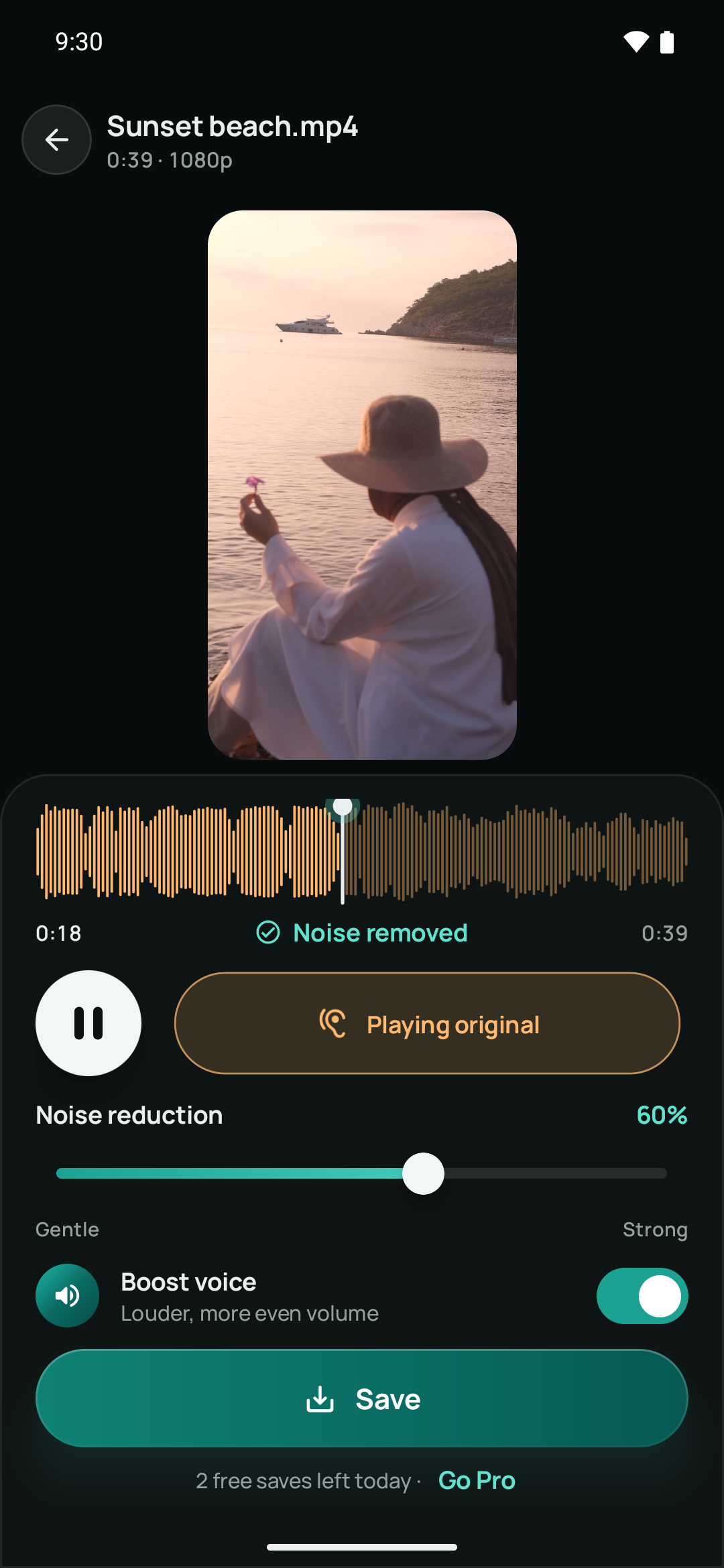
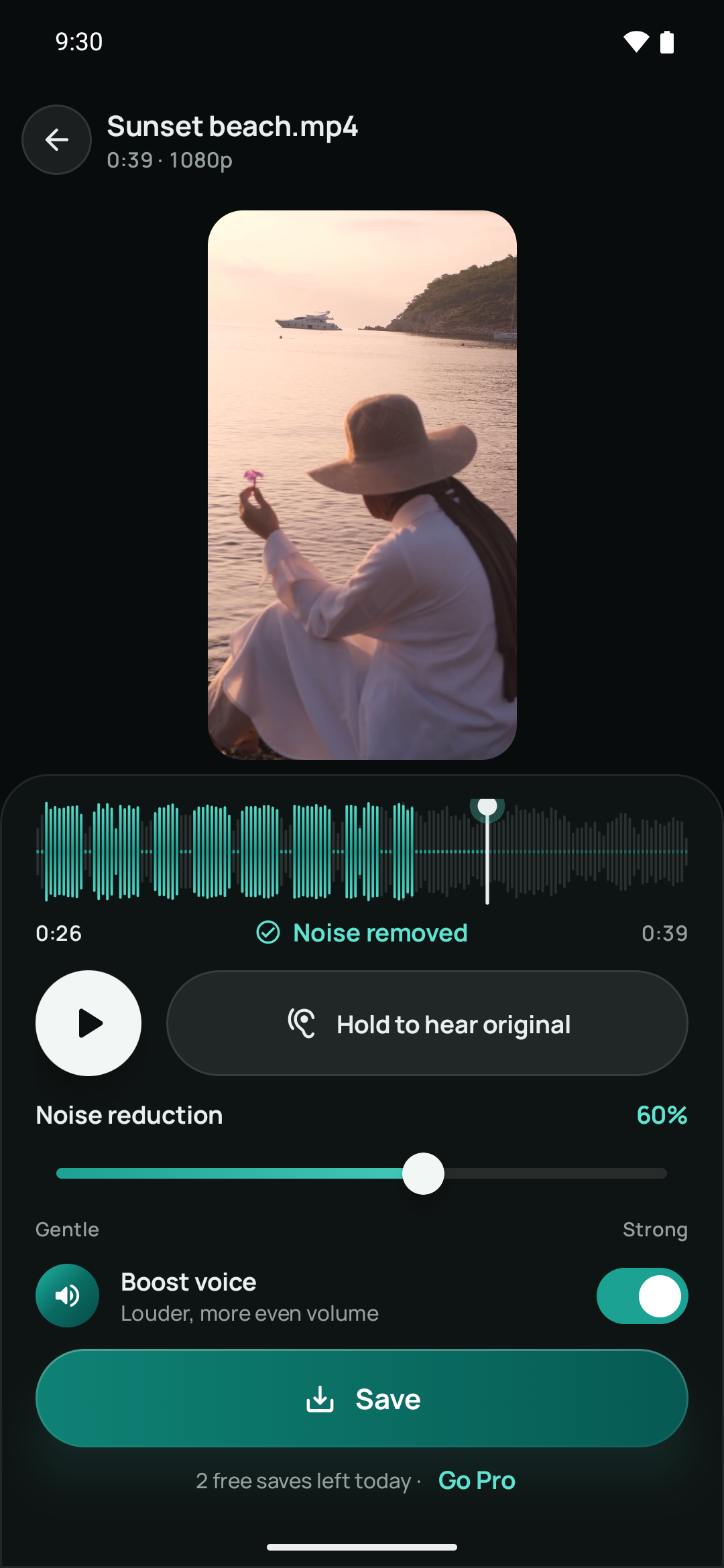
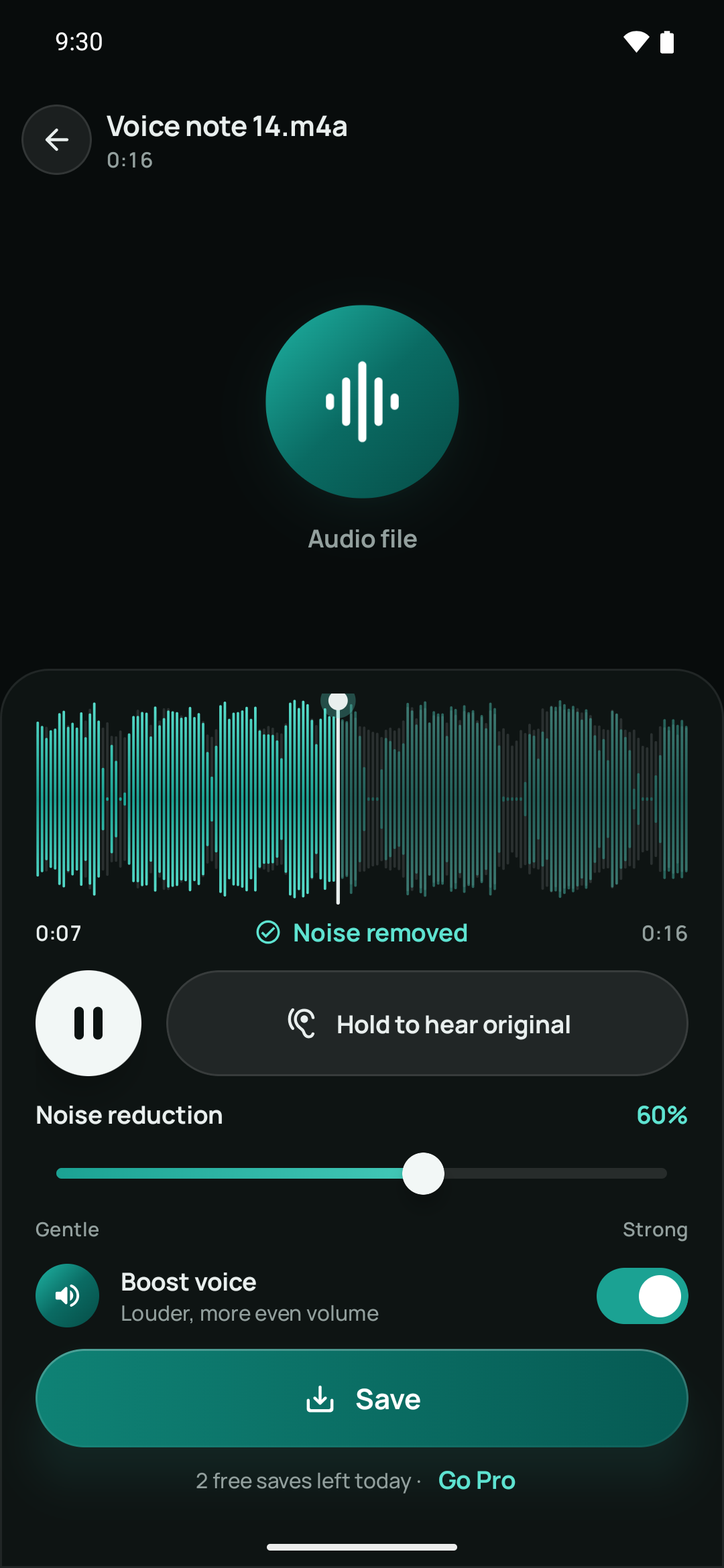
Play cleaned sections as they become ready. Hold to hear the original, adjust noise reduction and use Boost voice for louder, more even speech.
Save to your gallery and share when you’re ready. The app replaces the audio while copying the video picture without re-encoding it.
02 / In the app
03 / Free & Pro
All the sound controls. Two saves a day.
One payment. Unlimited saves.
The app shows your local Google Play price before purchase. Buying or restoring Pro requires Google Play access; cleaning your files works offline.
04 / Privacy
05 / Good to know
The on-device AI model is built for speech. It reduces background sounds such as fans, hum, traffic, wind and crowd chatter. Results depend on the recording; it is not a music-removal or vocal-separation tool.
The video picture is copied without re-encoding; only the audio is replaced. Your original file is never overwritten. Cleaned videos are saved as MP4 in Movies/Noise Remover.
Noise Remover supports Android 8.0 and later on compatible phones and tablets. It works with camera and gallery videos such as MP4 and MOV, plus common audio files including MP3, M4A, AAC, WAV, OGG and Opus. File compatibility depends on the media’s codecs and your device. Cleaned audio is saved as M4A in Music/Noise Remover.
There is no app-imposed length limit in either Free or Pro. Long recordings take more time and need sufficient free device storage. Processing can continue in the background with a progress notification.
Use the Google account that purchased Pro, then open About and tap Restore purchases. Google Play must be available for the restoration. Pro is a one-time purchase, not a subscription.
Available on Android
Find “Offline AI Video Noise Remover” on Google Play.
Need a hand? Get Noise Remover support →