Set the lowest price you’ll accept
Cost plus your margin, a minimum price or a maximum discount, for the whole store or one collection. Floorline finds variants without a cost; add them inline or from a spreadsheet.
 Floorline: Margin ProtectionAn app for Shopify stores
In review for the Shopify App Store
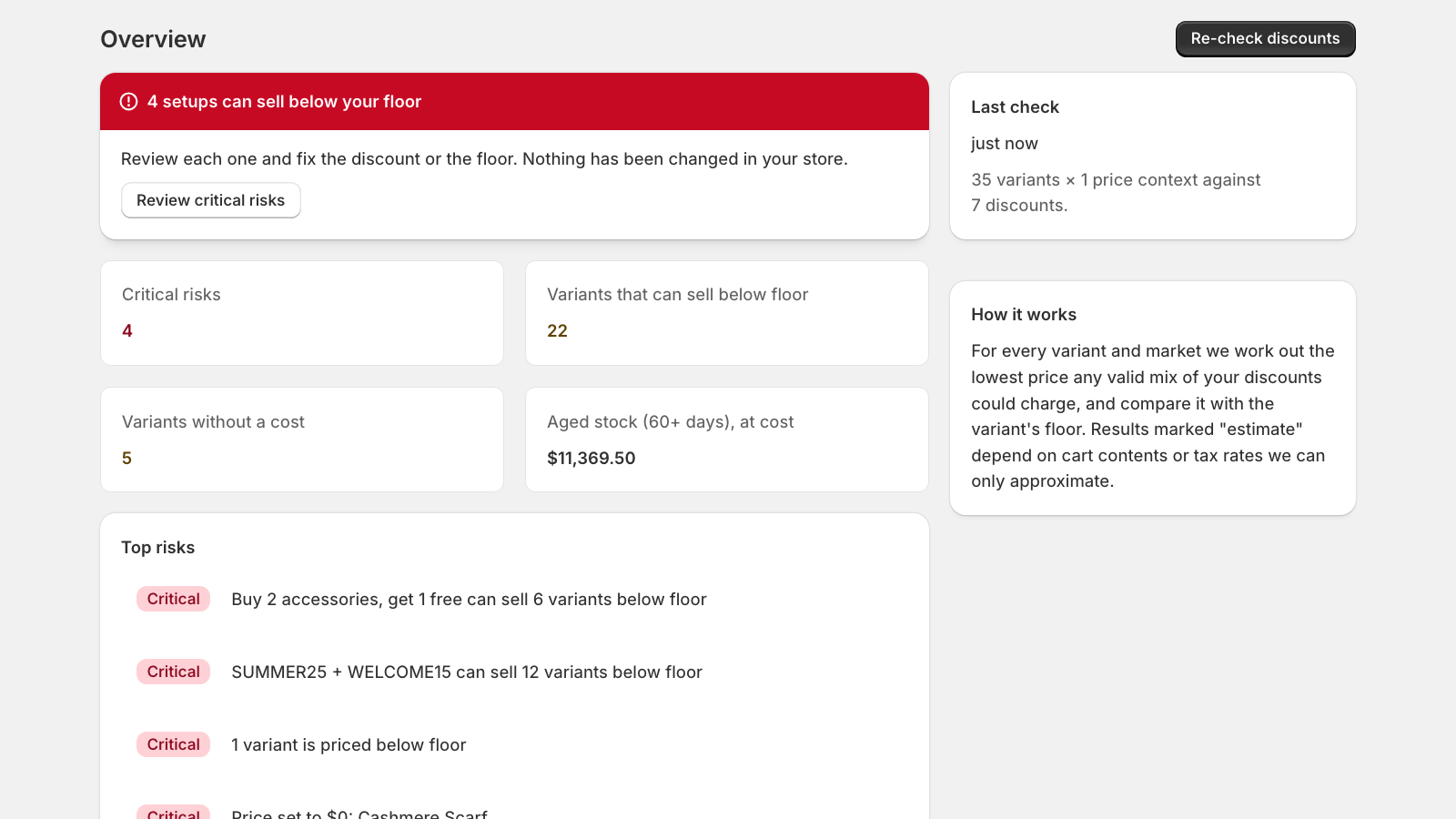
Floorline gives each product a floor, from its cost and the margin you want, and checks your discounts, price edits and imports against it. See which discounts and stacks could sell below it, catch a price wiped to zero, and fix it before a customer buys.
A free plan for stores up to 5,000 variants. Growth and Pro from $12 a month with a 14-day trial, billed by Shopify, with no order fees.
01 / How it works
Cost plus your margin, a minimum price or a maximum discount, for the whole store or one collection. Floorline finds variants without a cost; add them inline or from a spreadsheet.
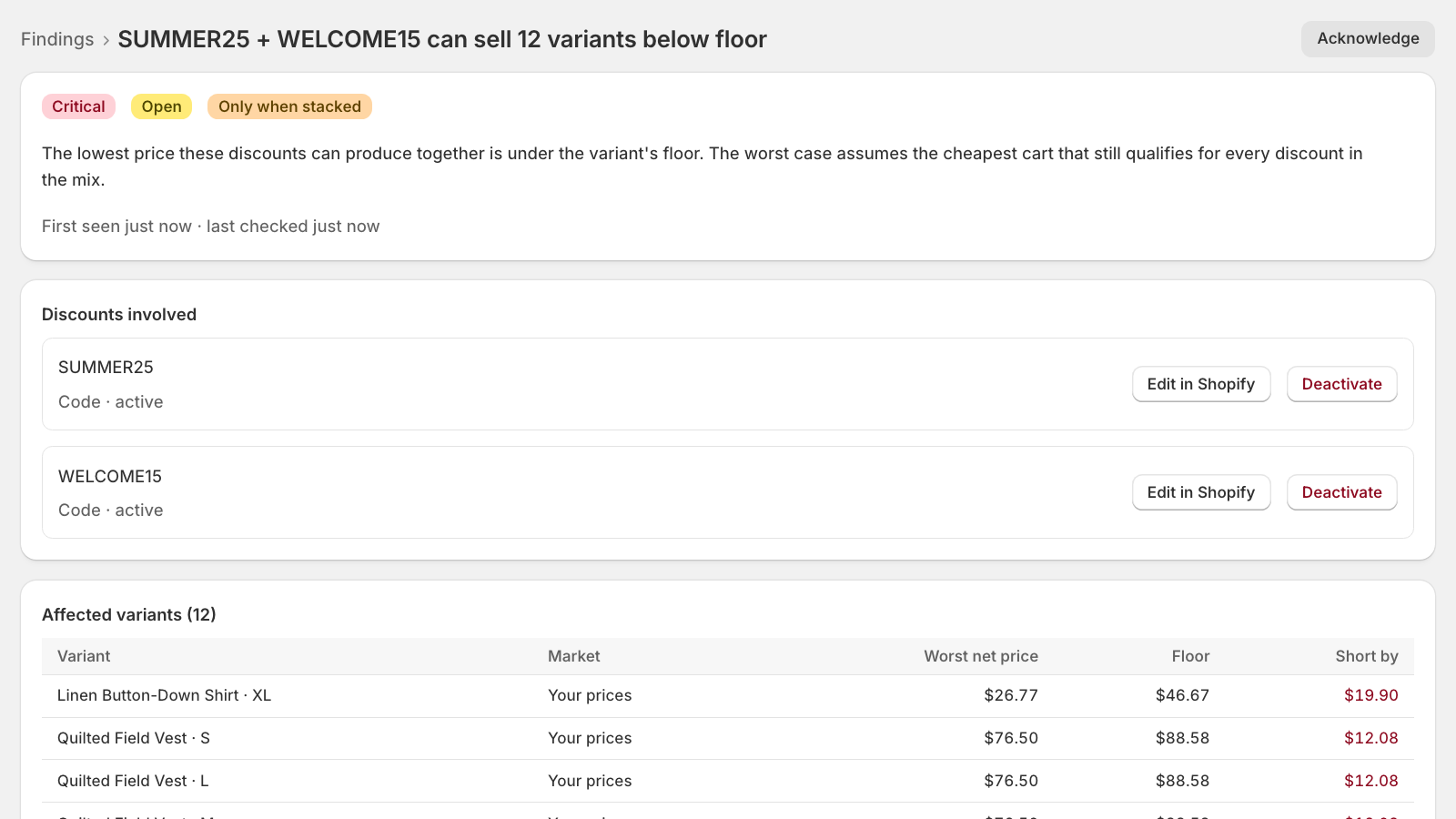
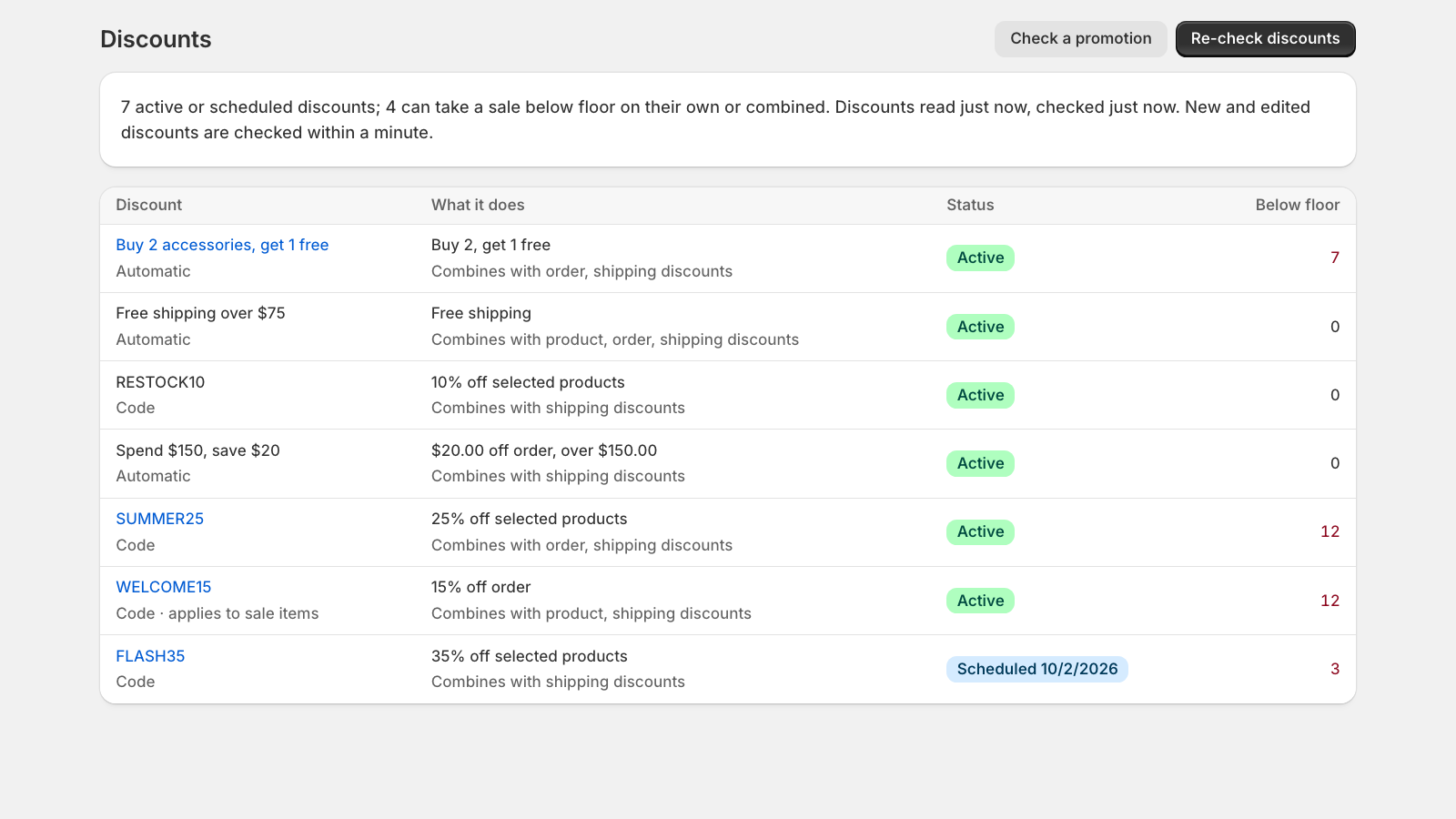
Codes, automatic discounts, buy-X-get-Y and the ways they stack are checked against every floor. Each finding lists the discounts involved and each product’s lowest possible price.
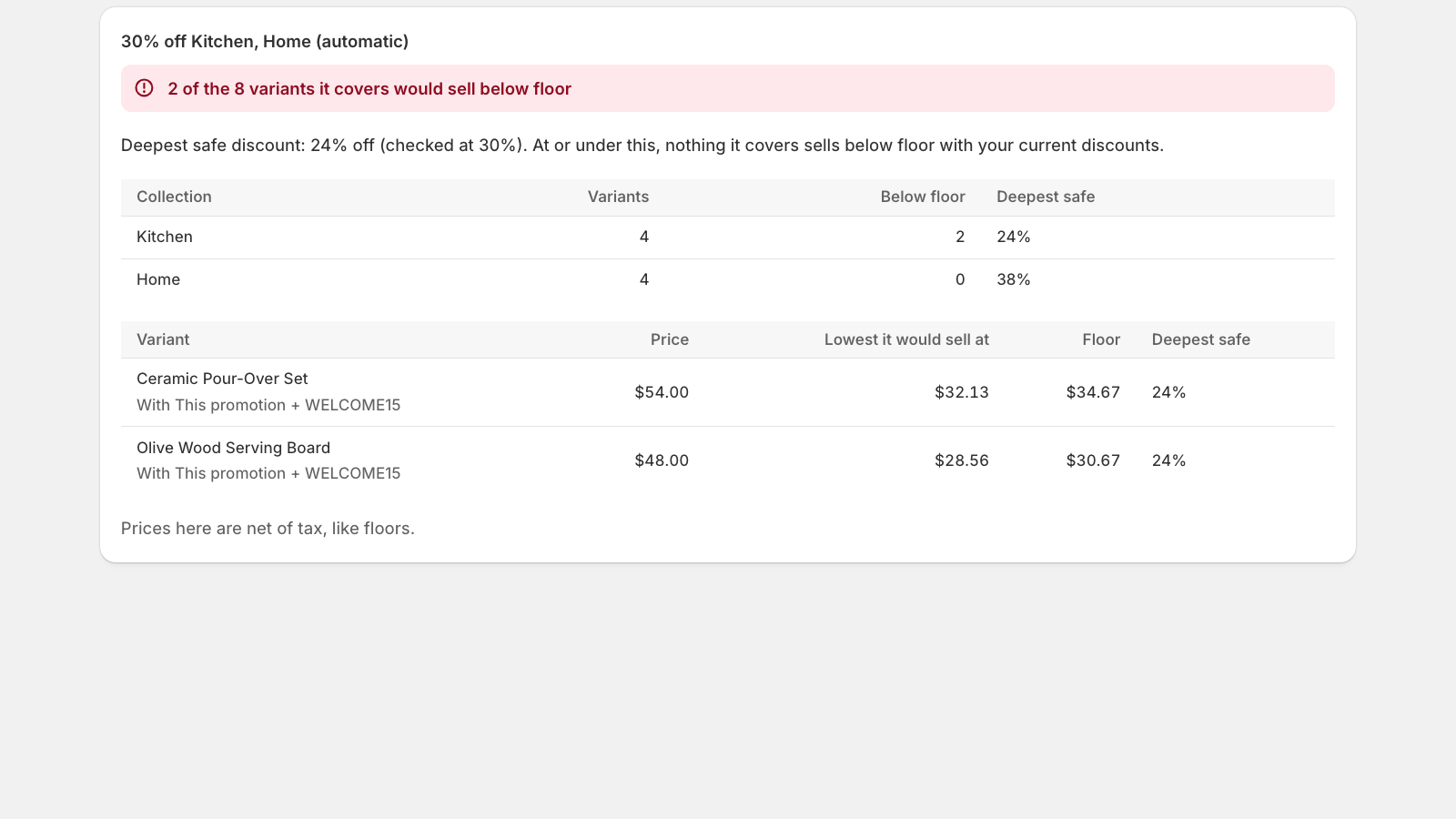
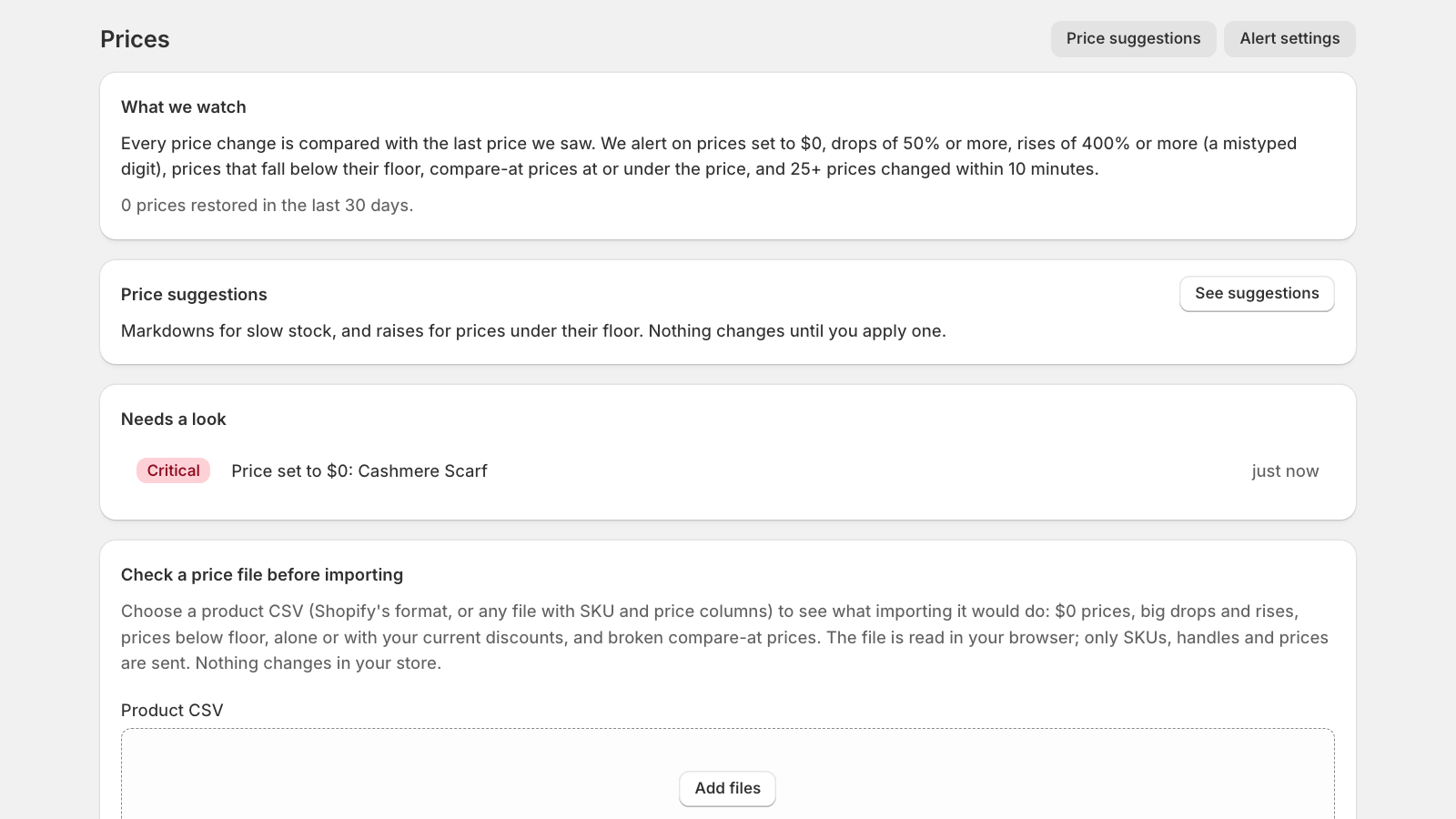
A price wiped to zero or mistyped triggers an alert, with a one-click restore. Check a planned sale or a price file before it goes live, and optionally block checkouts below floor.
02 / In the app
03 / Plans
$0 · stores up to 5,000 variants
$12 a month · up to 10,000 variants
$29 a month · up to 50,000 variants
Paid plans start with a 14-day free trial and are billed by Shopify on your store’s invoice. No order limits or per-order fees. For stores over 50,000 variants, ask about a larger plan.
04 / Privacy
05 / Good to know
Shopify’s own discount types: codes and automatic discounts, amount and percentage off, buy X get Y, and the ways they combine. Discounts created by other apps are listed as unknown, because their effect can’t be read. Results that depend on cart contents or tax rates are marked as estimates.
Its floor falls back to a maximum discount off the regular price, 50% unless you change it, so it is still partly protected. The Costs page lists every variant without a cost; add costs inline or from a spreadsheet.
Only when you click: restoring a price, saving costs, applying a suggestion, deactivating a discount or turning on the checkout guard. The first time, Shopify asks you to allow that kind of change.
On Pro, a Shopify checkout rule compares each line’s price after all discounts with its floor, and blocks checkout at the final step with a message asking the shopper to remove a code or change their cart. It never blocks while browsing, and if the rule itself fails, checkout goes ahead.
Email support@areeblabs.com with your store’s .myshopify.com address and what you were doing. Please don’t send passwords, access tokens or payment details.
Coming to the Shopify App Store
Floorline is in review for the Shopify App Store.
Questions before then? Floorline support →